Theme Randomizer
Automatically switch themes to keep your workspace fresh and dynamic.
This feature allows you to automatically switch between your favorite themes at regular intervals.
Overview
Section titled “Overview”The Material Theme UI plugin features a curated collection of predefined themes, hand-picked from renowned theme authors and designers. Additionally, the JetBrains Marketplace showcases thousands of community-created themes, offering a vast array of styles and aesthetics.
With such a diverse selection available, it can be difficult to settle on just one. The Theme Randomizer allows you to bring variety to your workspace by automatically switching themes at regular intervals.
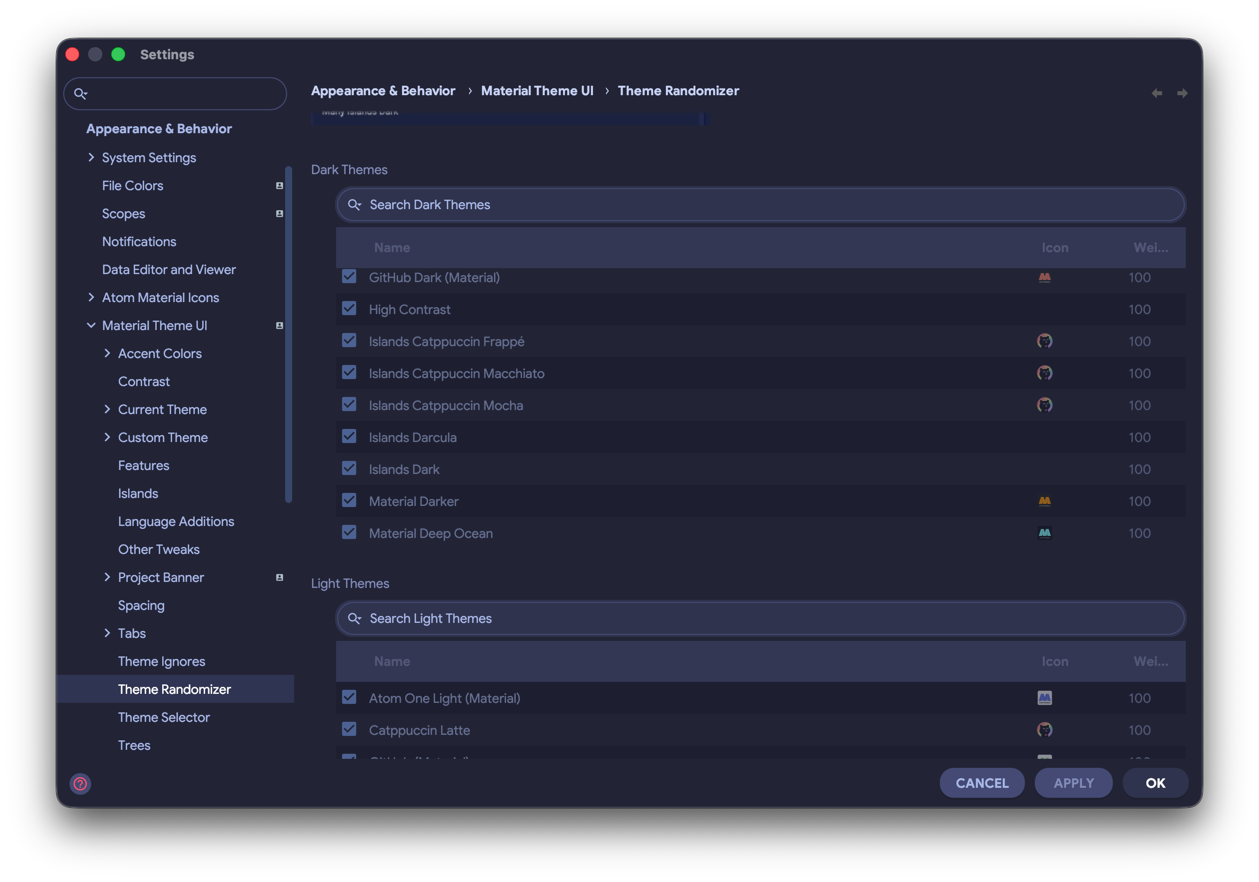
Settings
Section titled “Settings”Theme Interval
Section titled “Theme Interval”You can specify the interval for theme changes in minutes.
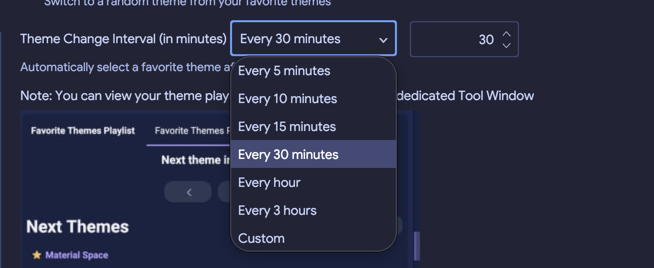
The default interval is 30 minutes, but you can adjust this to suit your preference. Once configured, a timer begins, and the theme will automatically switch after the specified duration.
Theme Selection
Section titled “Theme Selection”The settings page displays all available themes, categorized into Dark and Light themes.
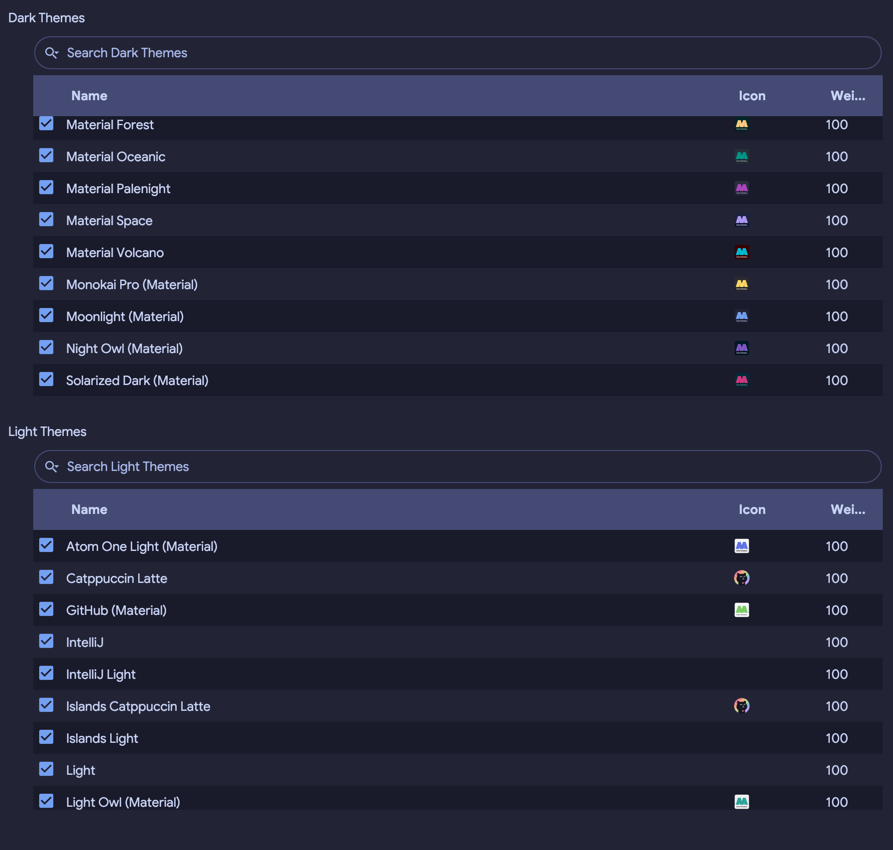
By default, all themes are included in the rotation, but you can exclude any you prefer not to use. A search bar is also available to help you quickly find specific themes.
Theme Playlist
Section titled “Theme Playlist”The Theme Randomizer employs a “semi-random” algorithm to switch themes. Rather than picking a completely random theme at each interval, it generates a playlist. The randomizer then cycles through this playlist sequentially.
You can manage and view the current playlist via the Favorite Theme Shuffle tool window.

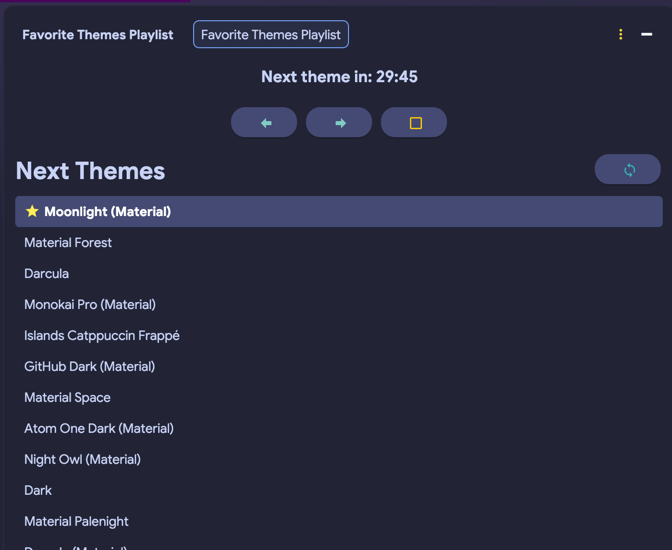
Within this tool window, you can manually select a theme, skip to the next or previous theme, or shuffle the playlist to generate a new random sequence. You can also view the remaining time until the next rotation.
Note: You can also switch themes via the Quick Actions Panel.
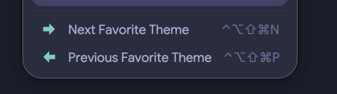
The tool window also features a Disable Selected Theme button, allowing you to quickly exclude the current theme from future rotations without opening the settings. Disabling a theme will automatically re-shuffle the playlist.
Theme
Material
Material (more)
Other
Other (2)
Other (3)