Other Tweaks
Other miscellaneous plugin tweaks
This page showcases other miscellaneous options for the plugin that do not fall into any other categories.
Show What’s New Page on Each Update
Section titled “Show What’s New Page on Each Update”By default, the plugin automatically opens a new tab displaying the release notes whenever a new version is installed. These notes are taken directly from the Material Theme UI Documentation.
This setting allows you to toggle this behavior, specifying whether to automatically display the “What’s New” page after an update.
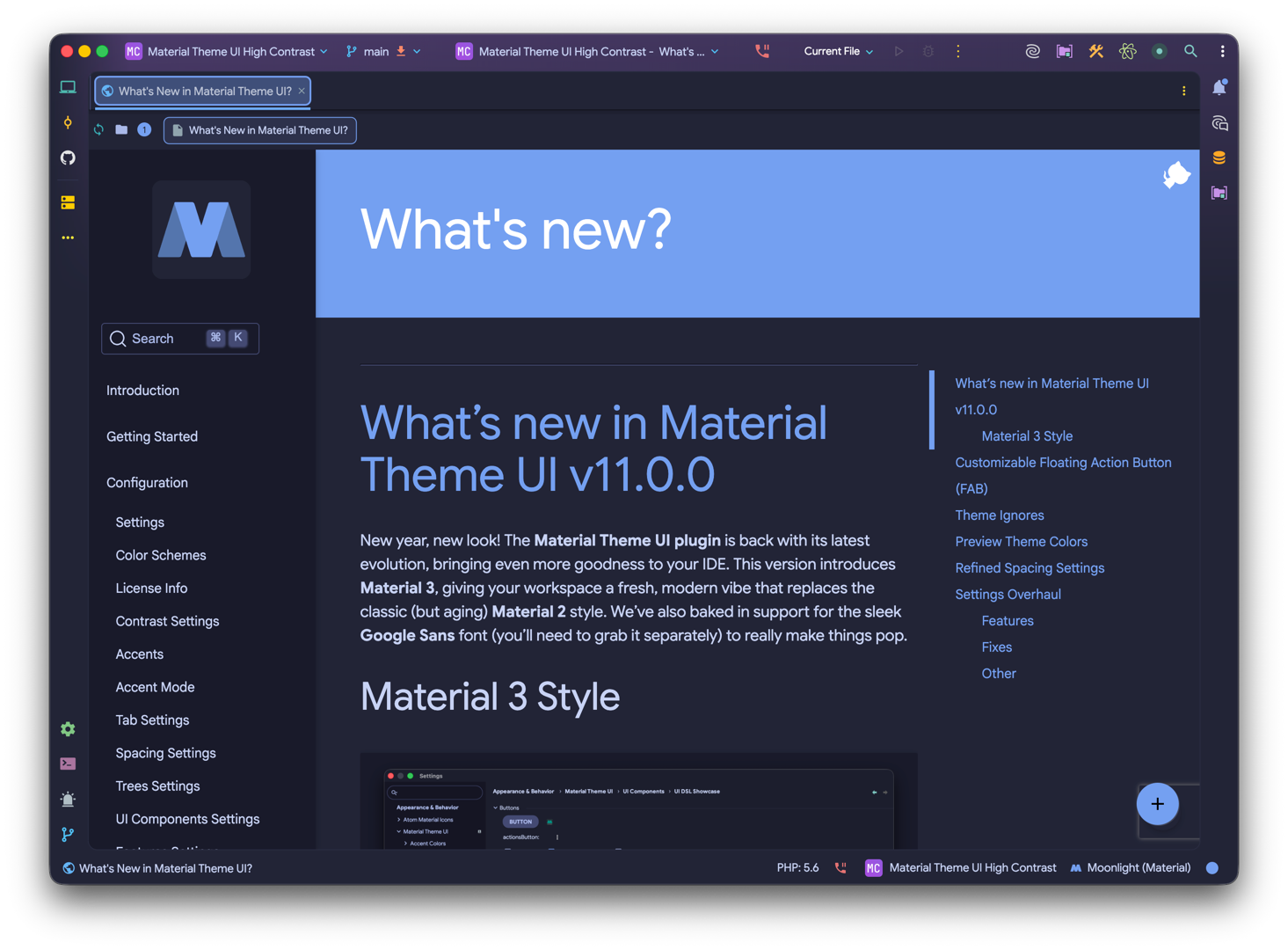
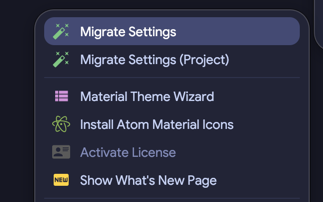
Note: You can also manually open this page via the Quick Actions Panel by searching for “Show What’s New Page”.
Show Wizard on Welcome Screen
Section titled “Show Wizard on Welcome Screen”This setting allows you to toggle the Material Theme Wizard option on the IDE Welcome Screen.
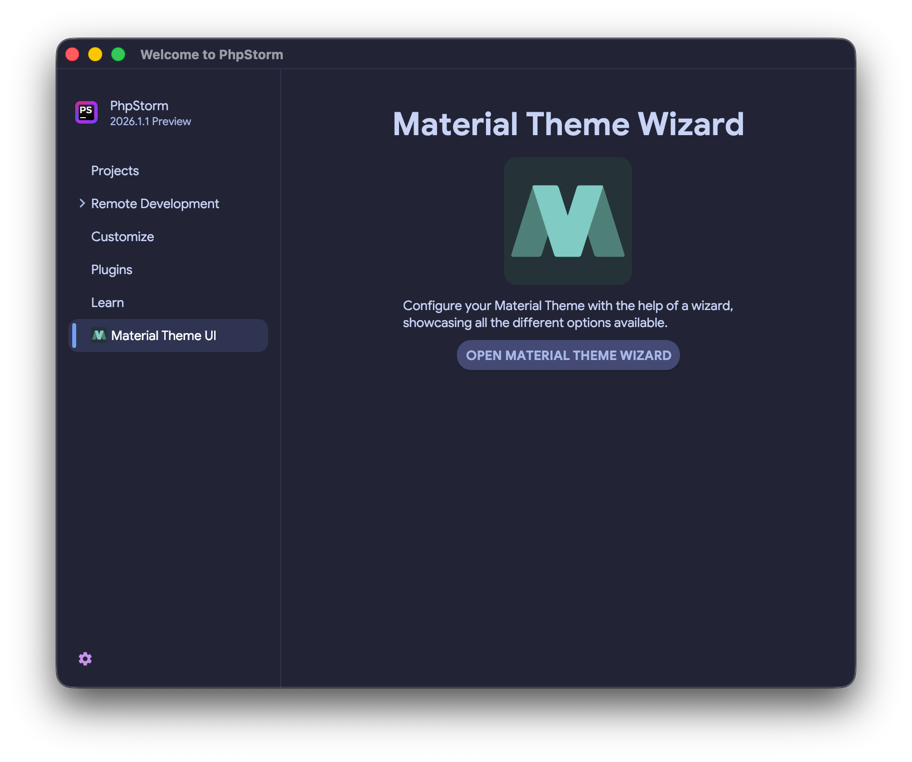
Note: You can also manually open the wizard via the Quick Actions Panel by searching for “Show Material Theme Wizard”.
Theme
Material
Material (more)
Other
Other (2)
Other (3)